Five start modes
Manual, scheduled, sequential, simultaneous, and fixed-interval starts cover regularity rally, TSD, GLP, and club formats.
Start control for rally marshals
Plan the start list, trigger cars on time, recover from mistakes, and export reports — all from one readable iPhone and iPad workspace built for regularity rally, TSD, GLP, and club start lines.
Free to try with one event. Pro is a one-time purchase — no subscription.
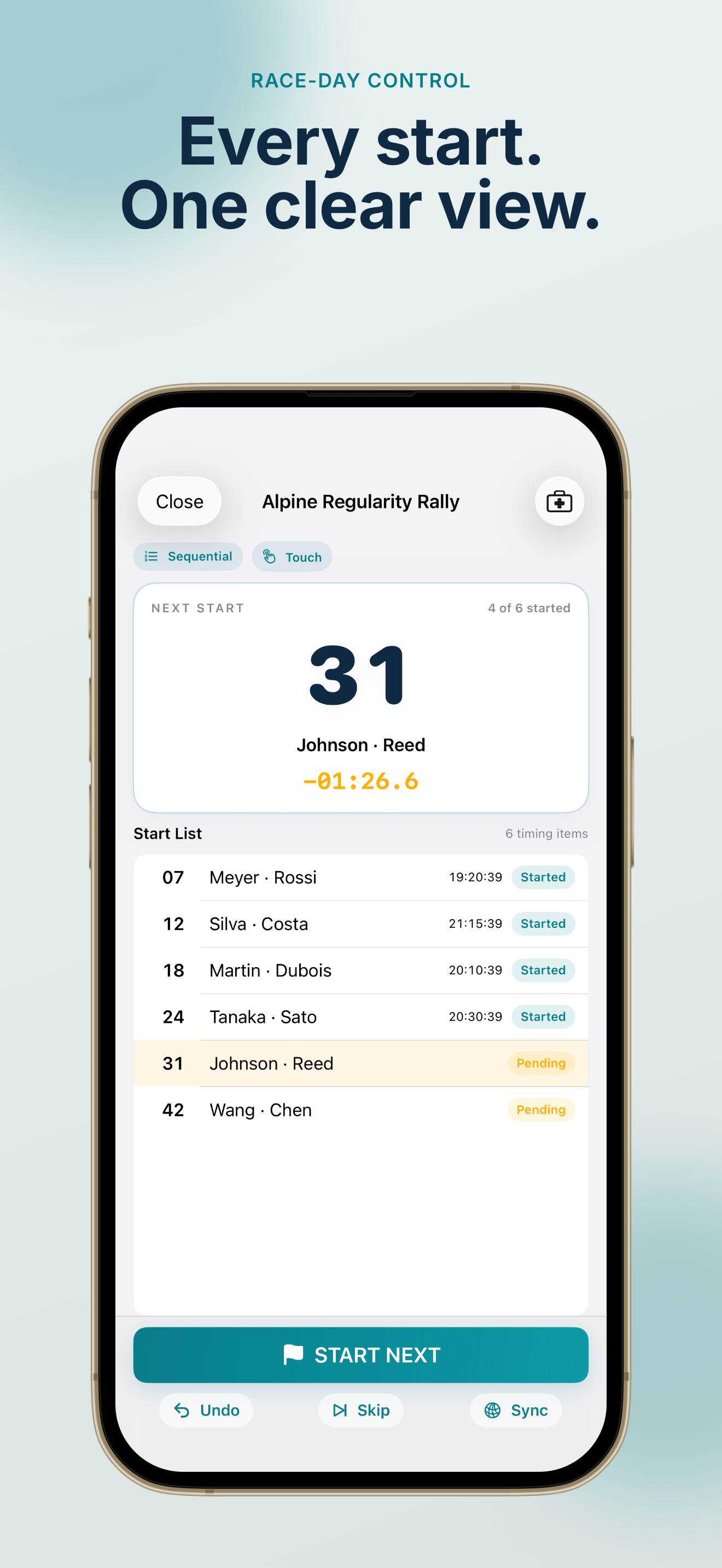
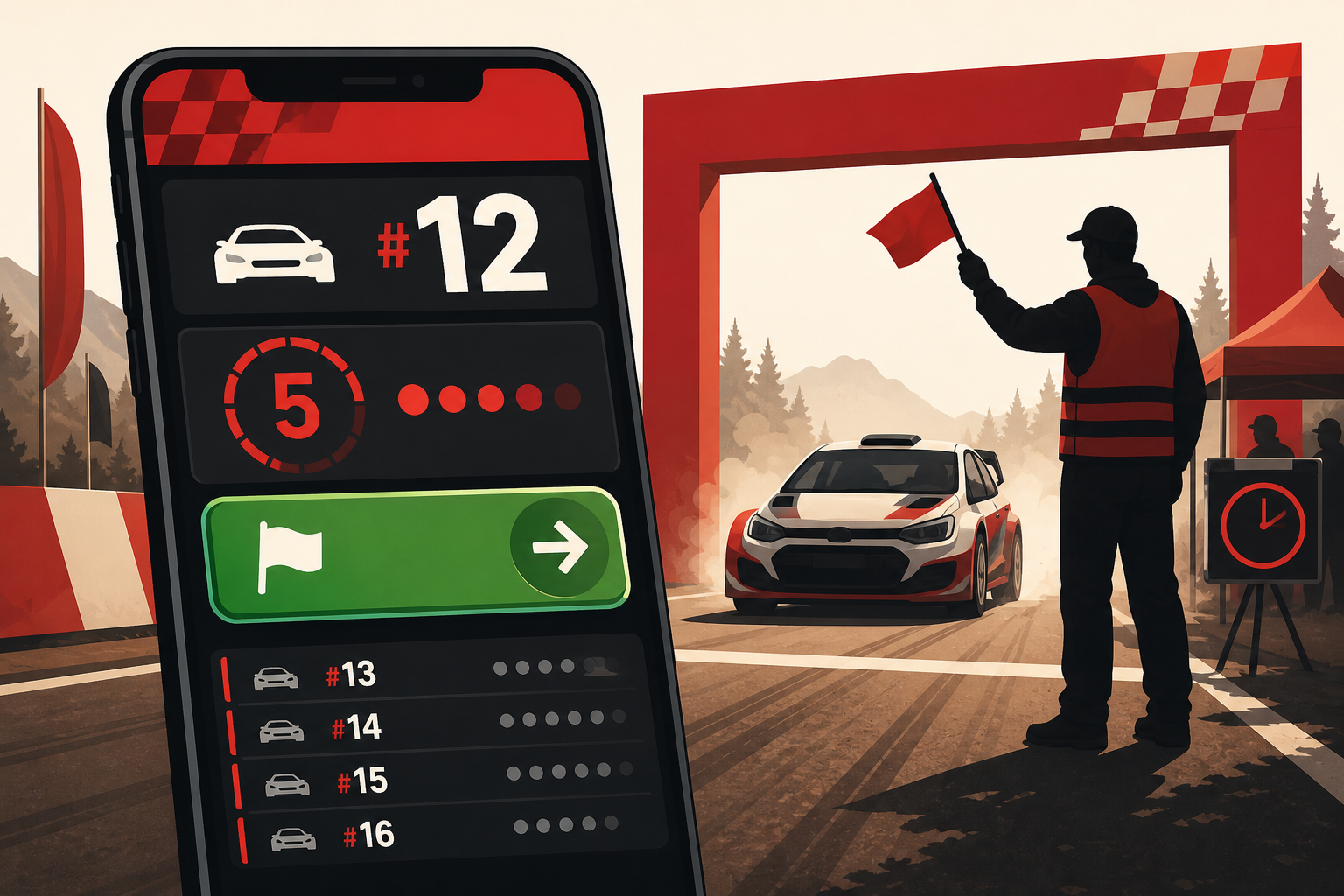
A high-contrast dashboard shows the next car, countdown, queue, and large trigger controls — easy to read in bright sun or early-morning starts.
Built for organizers and marshals who need reliable start control — not another navigation app.
Manual, scheduled, sequential, simultaneous, and fixed-interval modes share one race dashboard. See the next competitor, planned time, countdown, and waiting queue at a glance — with optional voice, beep, or haptic cues before each start.
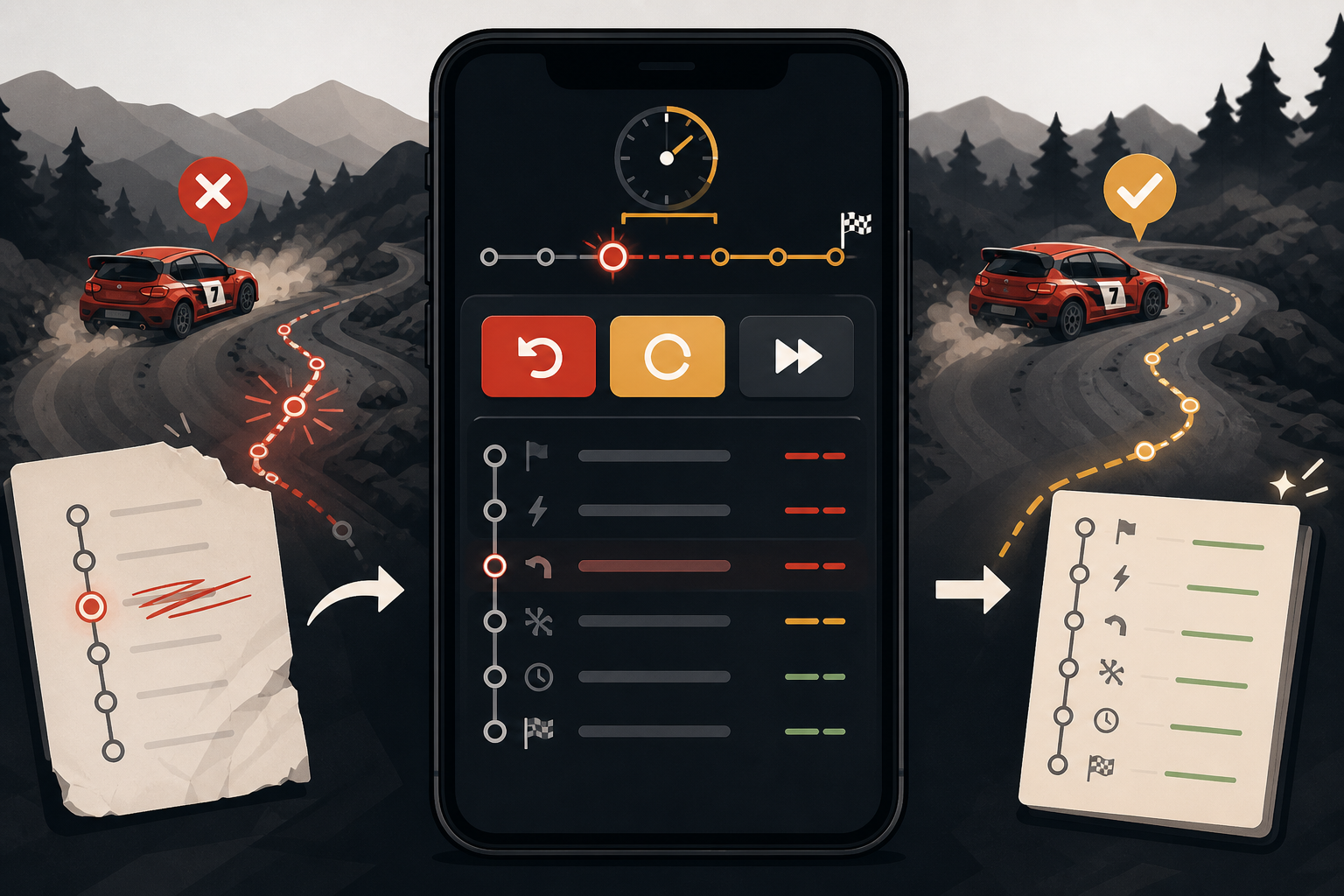
Mistakes happen at the start line. Rally Start Timer lets you undo a trigger, restart or skip an entry, shift remaining planned times, or send the next car immediately — with every action saved to a local audit log.
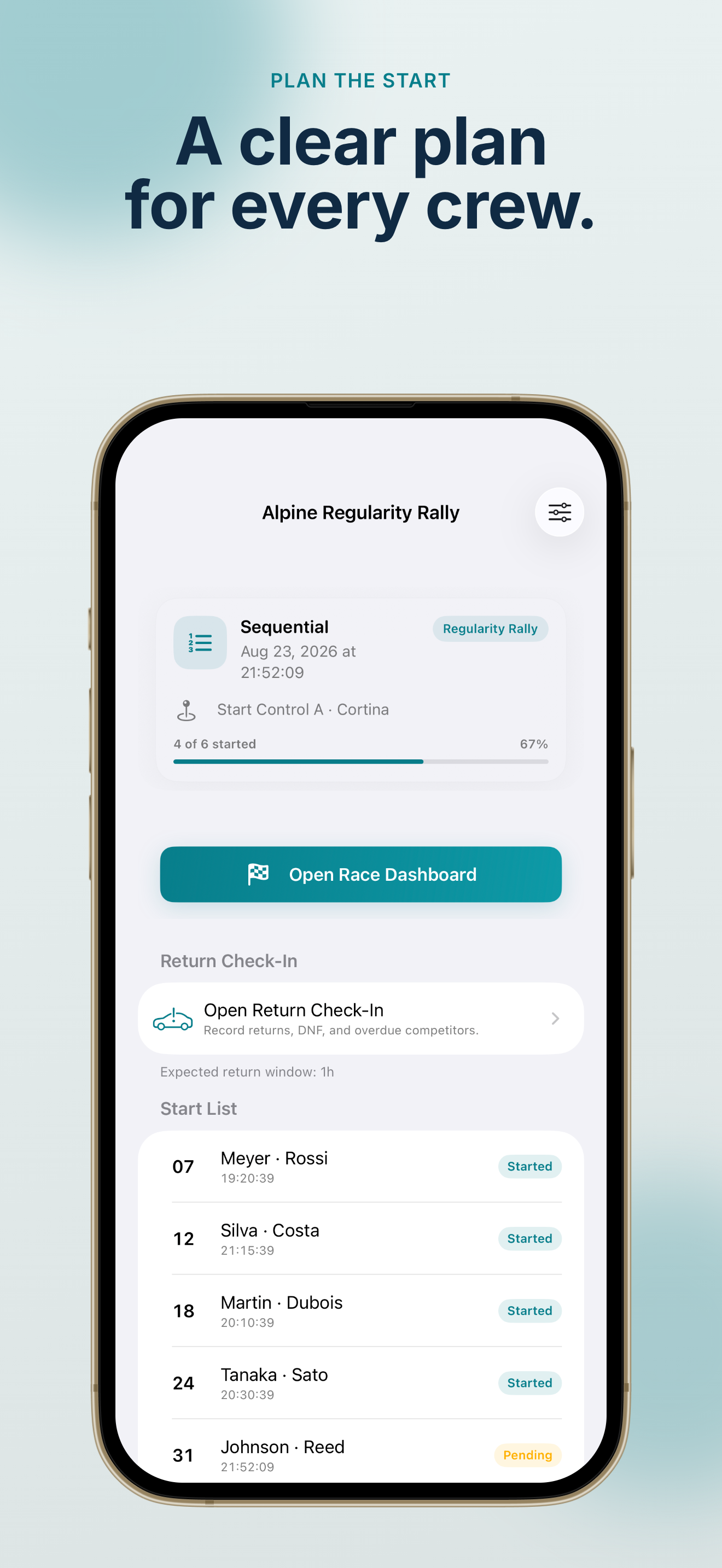
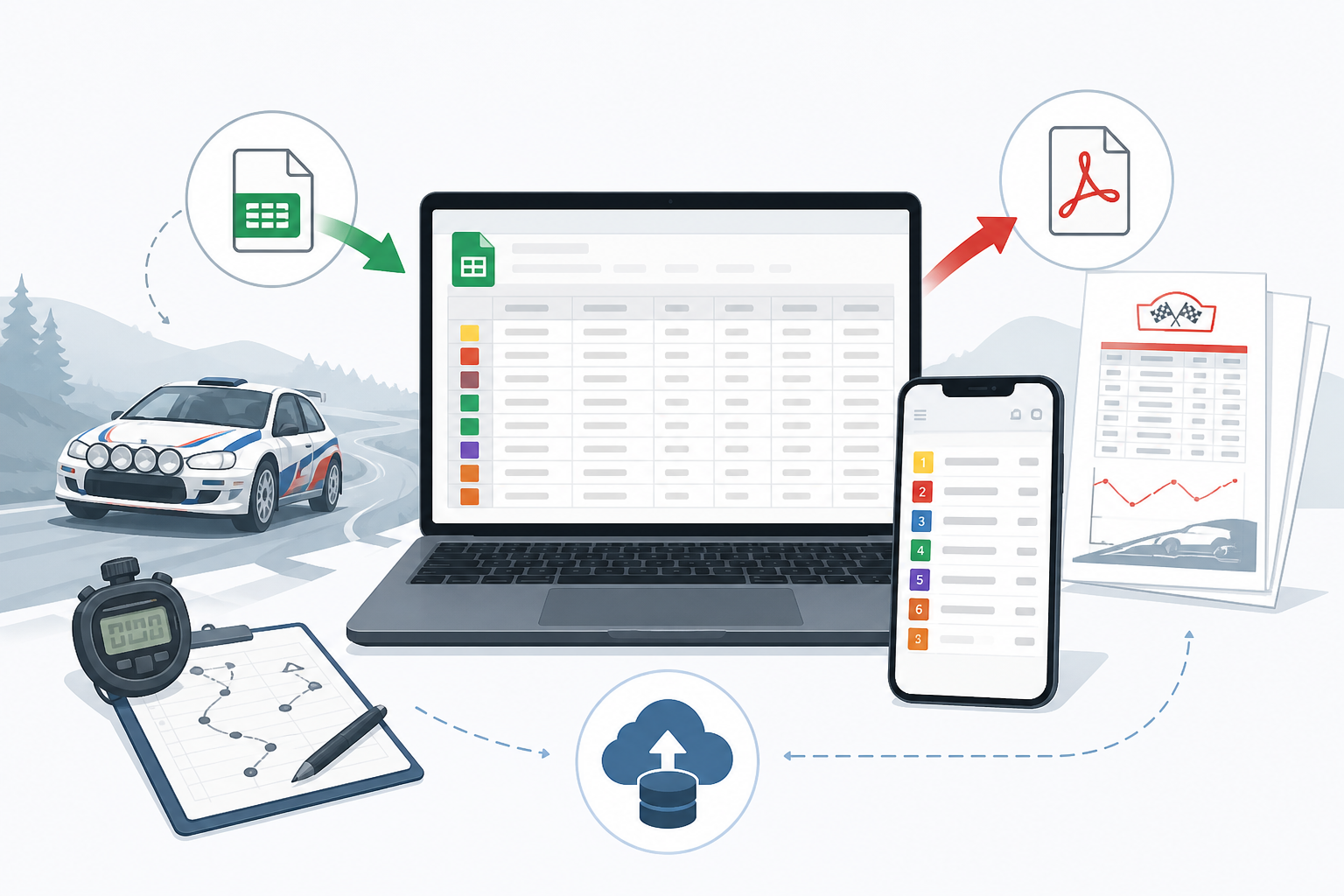
Bring competitors in from CSV, batch edit and reorder the start list, duplicate events, and save templates. Export JSON backups, detailed CSV timing logs with start deltas, or PDF race and audit reports after the event.
Everything a marshal needs to run starts reliably — without accounts, ads, or GPS tracking.
Manual, scheduled, sequential, simultaneous, and fixed-interval starts cover regularity rally, TSD, GLP, and club formats.
Large touch targets or mapped Bluetooth / MFi game-controller buttons with debounce and a built-in test mode.
Optional voice, beep, or haptic alerts before each planned start so you never miss the moment.
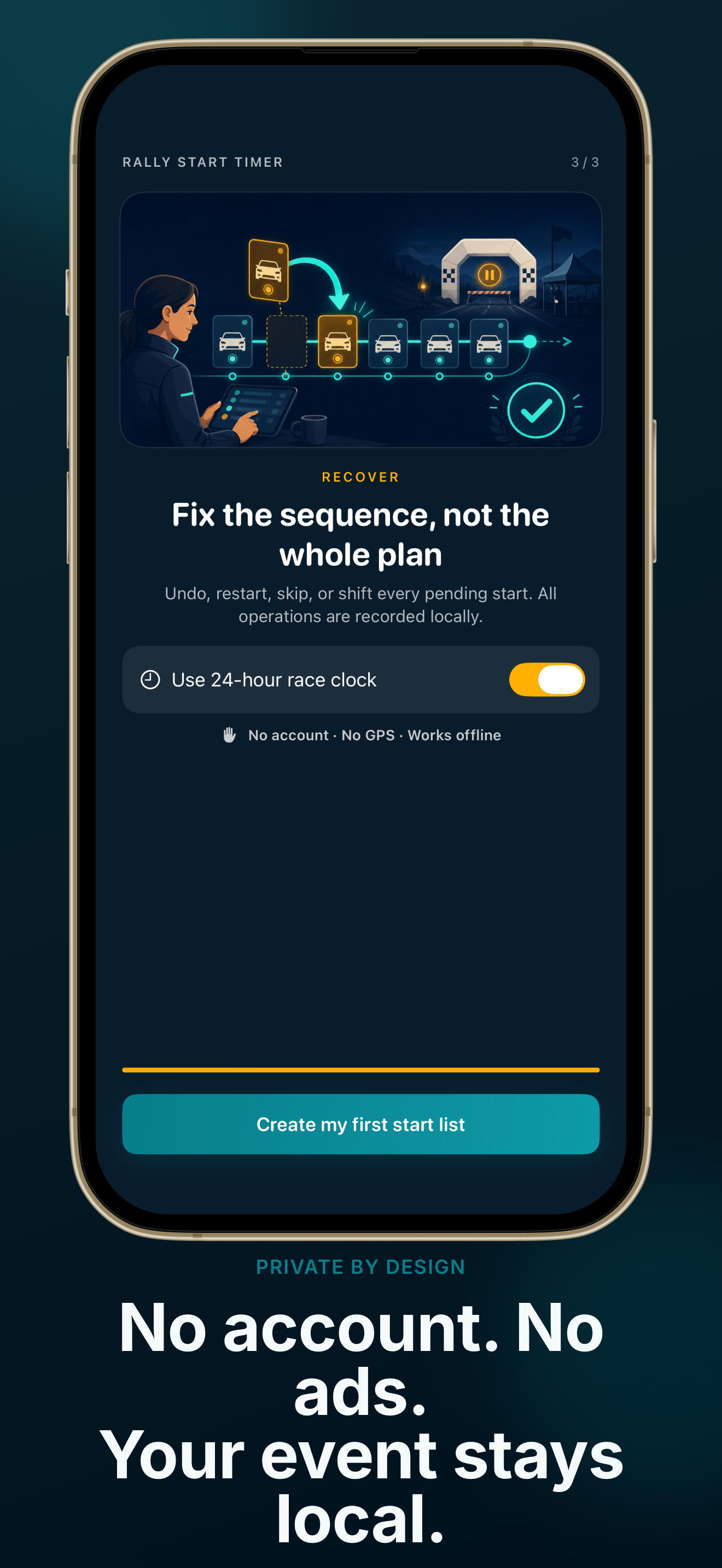
Undo, restart, skip, go to next, or shift the remaining schedule — without rebuilding the whole event.
Import start lists, batch edit competitors, duplicate events, and export timing logs with start deltas.
Event data stays on your device unless you export it. No account, ads, GPS, or behavioral tracking.
From first setup to the last export — a workflow marshals can follow under pressure.
Create an event or open the sample rally, choose your project type and start mode, then build or import the start list. CSV import, batch editing, and reusable templates save prep time before cars arrive.
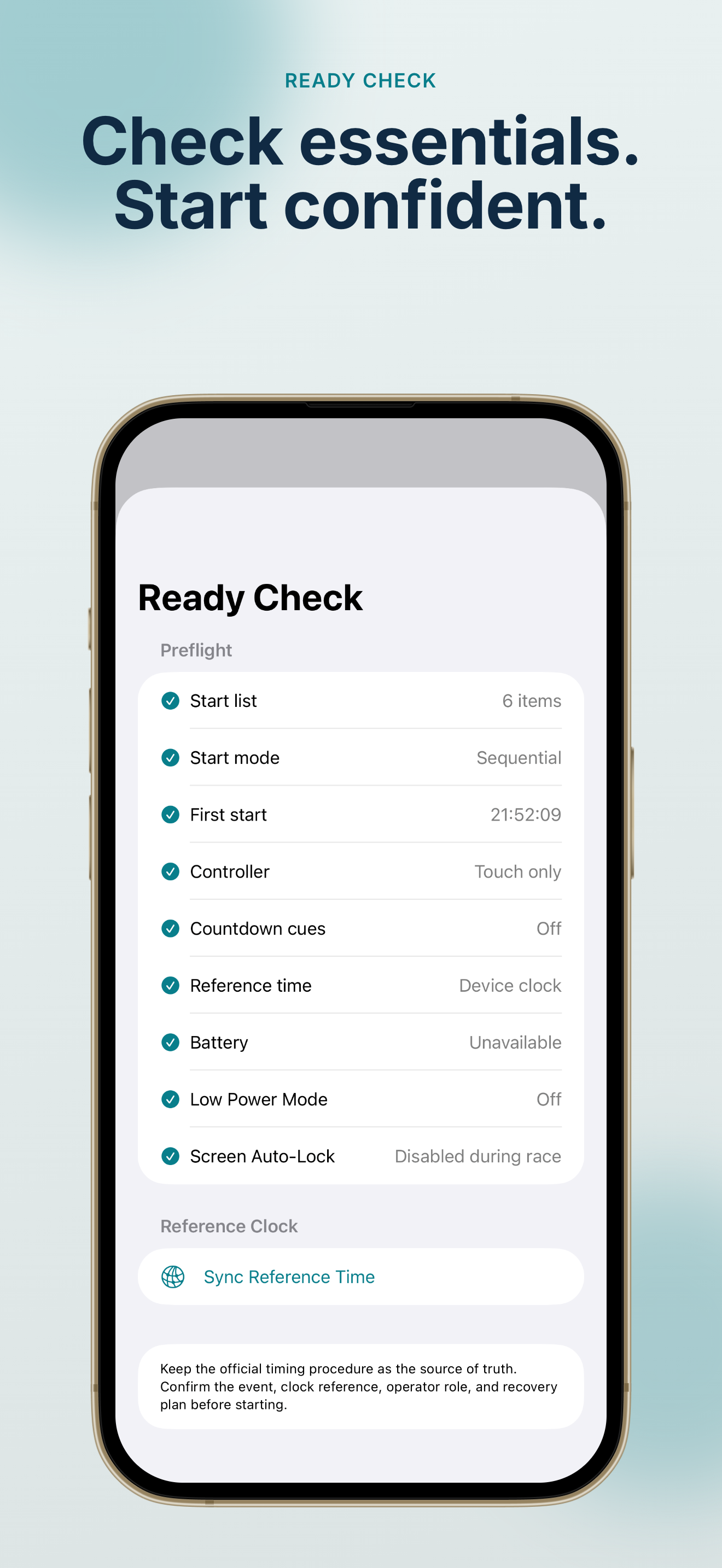
Use the large on-screen controls or a compatible Bluetooth / MFi game controller with mapped buttons. NTP reference sync keeps planned times aligned while monotonic local timing drives the live countdown.
Voice, beep, and haptic countdown cues help you stay ahead of each planned start.
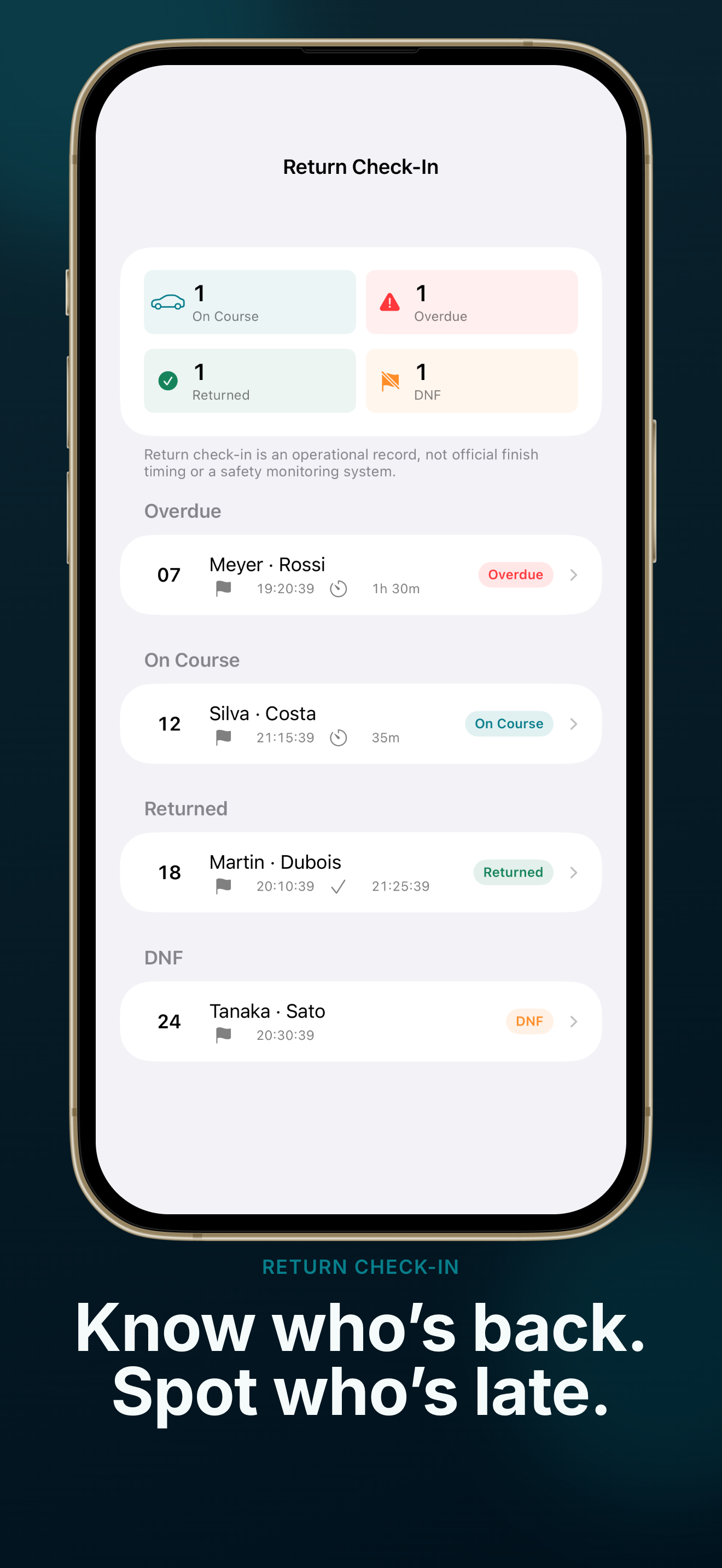
See trigger featuresIf something goes wrong, undo or adjust without rebuilding the schedule. Optional return registration tracks on-course, overdue, returned, and DNF status. Export CSV logs or PDF reports when the rally ends.
Every trigger and recovery action is recorded locally so you can review or share an audit trail after the event.
Read Rally Start Timer FAQCommon questions from rally organizers, start marshals, and club volunteers.
Rally Start Timer is built for regularity rally, TSD, GLP, and club events where organizers need a reliable start list, planned times, and live trigger controls at the start line. It is not a GPS navigation or pace-note app.
No. Timing and triggers run locally on your iPhone or iPad. The app may use the network briefly for NTP time reference sync or purchase verification, but the core race-day workflow works offline once your event is set up.
Yes. Rally Start Timer supports touch triggers and compatible Bluetooth / MFi game controllers. You can map buttons, test inputs, and apply debounce so accidental double presses are less likely on a busy start line.
The free version lets you run one event with up to six start items in manual or sequential mode — enough to validate the workflow before upgrading.
A one-time Pro purchase unlocks unlimited events, up to 200 starters per event, every start mode, controller and countdown tools, advanced recovery, CSV workflows, templates, accuracy reports, PDF exports, and backups. There is no subscription.
Events, timing results, and operation logs are stored locally on your device using SwiftData. They are not uploaded to our servers unless you choose to export or share a file yourself.
Replace paper start lists and fragile spreadsheets with one readable race-day workspace.
Try the free version, then unlock Pro with a single purchase when your club needs the full toolkit.
Requires iOS 17 or later. Works on iPhone and iPad.